MI Technical Services
Service available
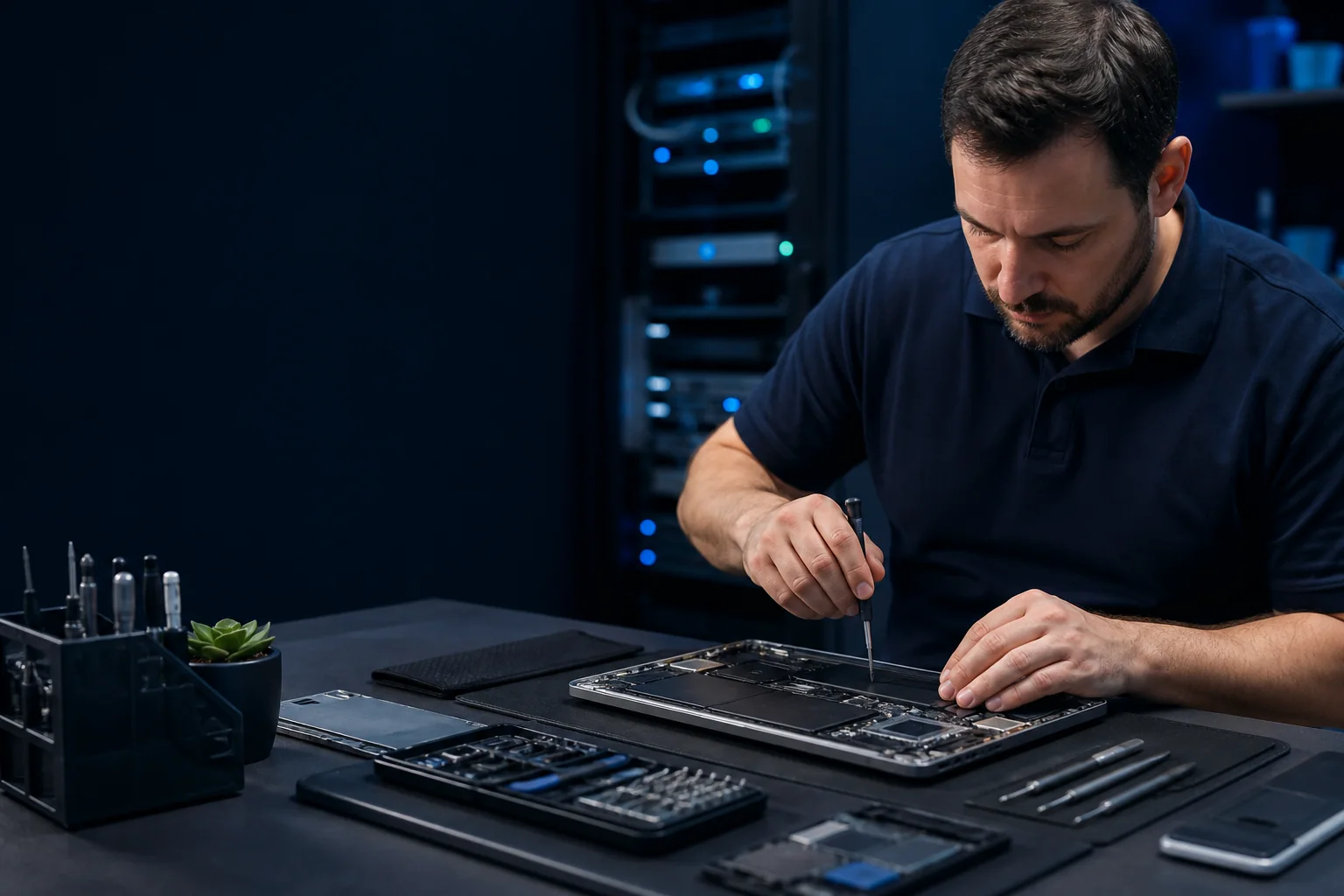
Technician servicing a notebook computer
Smart technology · Personal service

More comfort.
More peace of mind.

Technology should make everyday life easier—not more complicated. We professionally select, install, configure, and support modern computer, network, WiFi, and video-surveillance systems around your individual needs.

Professional integration

Latest technology, made effortless.

We turn capable equipment into a dependable system for your home or business. Every solution is individually assessed, carefully installed, securely configured, tested, and explained in plain language.

Computers & Servers

Reliable service for personal systems, business workstations, and small-business servers.

Start here ifA device is slow, hot, unstable, aging, or due for a careful upgrade.

  • Diagnostics, repair, and performance recovery
  • Notebook cooling-system cleaning
  • Storage, memory, and operating-system upgrades
  • Server maintenance, backup, and migration
Request this service →

Networking & WiFi

Secure, measured connectivity designed around the building and the people using it.

Start here ifCoverage drops, speed varies by room, cabling is unclear, or a property needs a planned network.

  • Routing, switching, VLAN, VPN, and PoE
  • MikroTik, UniFi, and Orbi systems
  • WiFi surveys and coverage optimization
  • Cabling, rack work, and documentation
Request this service →

Video Surveillance

Professional IP camera systems with dependable recording and controlled remote access.

Start here ifYou have blind spots, unreliable recording, difficult remote access, or an expansion to plan.

  • Coverage and retention planning
  • PoE cameras and recorder installation
  • Secure remote viewing configuration
  • Network isolation, testing, and handover
Request this service →
From first call to handover

A clear installation process.

Every project follows a practical sequence so decisions stay understandable, installation stays controlled, and the finished system is ready to use.

  1. Understand the need

    Review goals, spaces, existing equipment, constraints, and the people who will use the system.

  2. Define the solution

    Plan equipment, placement, cabling, power, security, scope, and a safe implementation path.

  3. Build it properly

    Install cleanly, configure securely, label important components, and protect service continuity.

  4. Test and hand over

    Validate real-world operation, document the system, explain controls, and clarify ongoing support.

A useful handover, not just installed hardware.

  • Real-world operation tested against the agreed goals
  • Essential equipment, cables, and ports clearly identified
  • Configuration backup and recovery notes where applicable
  • Owner-controlled administration and a plain-language briefing
Technology in real life

Comfort built on proper installation.

The best technology feels simple because the complex work has been handled professionally. We prioritize discreet installation, reliable operation, secure configuration, and practical support after handover.

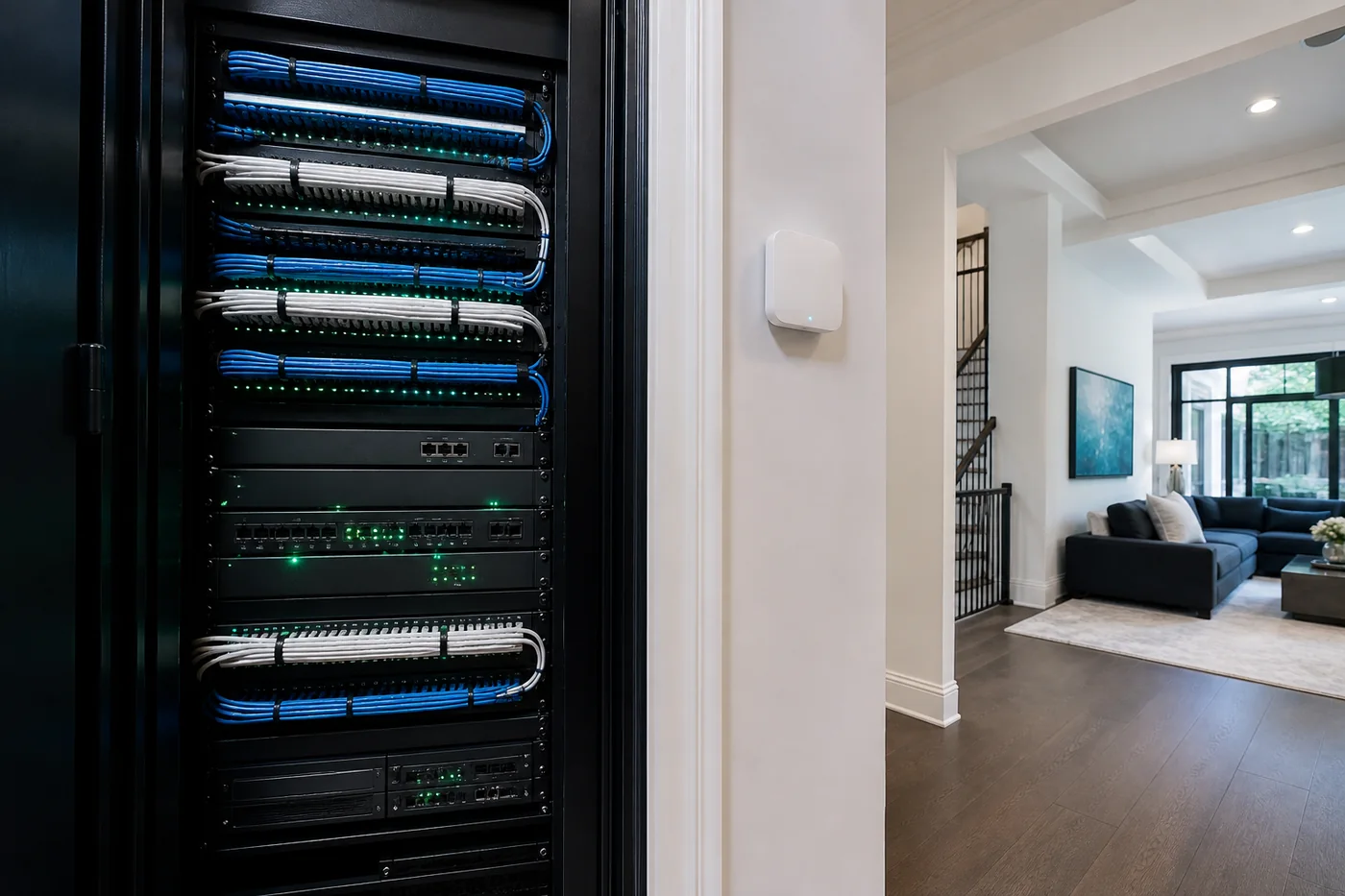
Organized network and server equipment rack

Managed infrastructure for small business.

Organized systems, resilient storage, backup planning, and maintainable documentation.

Baseline · Backup · Documentation
Professional ceiling access point installation

Measured coverage, clean installation.

Wired backhaul, managed switching, secure segmentation, and room-by-room verification.

Survey · Segmentation · Verification
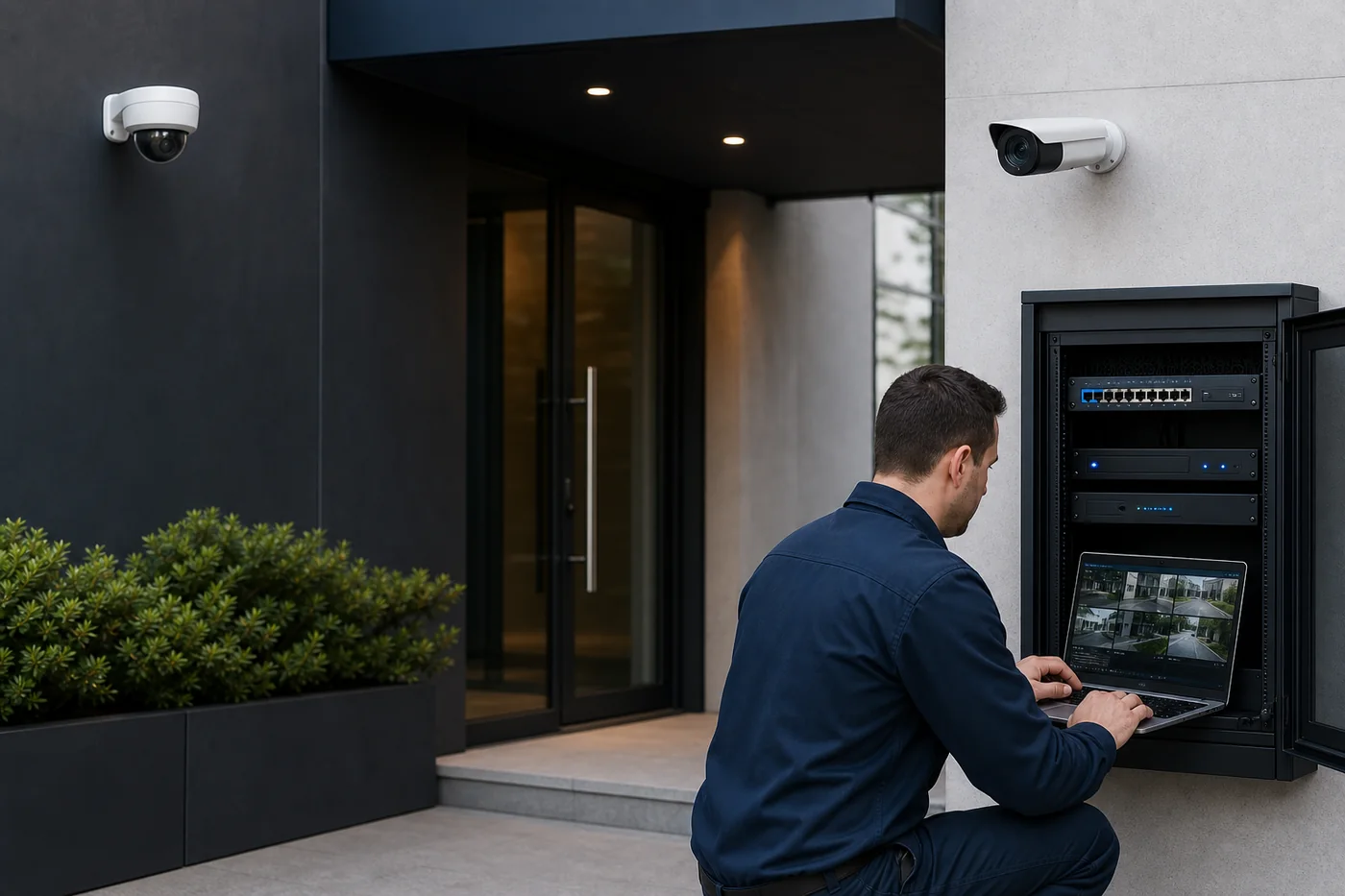
Technician commissioning a professional IP surveillance system

Clear coverage, secure recording.

Purposeful camera placement, protected cabling, reliable retention, and controlled remote access.

Coverage · Retention · Secure access
Equipment notes

Current networking platforms.

Practical notes on where current equipment fits, what infrastructure it needs, and whether it solves the actual problem.

Before you book

Clear answers first.

Service scope depends on the equipment, property, cabling, and operational goals.

When does a notebook need internal cleaning?
Loud fans, rising temperatures, reduced performance, shutdowns, or several years of dust exposure are common signs. Proper service includes cooling-path inspection and before/after temperature testing.
Why does professional WiFi begin with a site survey?
Floor plans, wall materials, interference, device density, and existing cabling all affect coverage. A survey supports correct placement, power, channel planning, and wired backhaul.
How is a surveillance system planned securely?
Planning starts with required coverage, lighting, privacy boundaries, image detail, and recording-retention goals. Cameras and recorders should use protected accounts, current firmware, isolated network access where appropriate, and controlled remote viewing rather than exposed management interfaces.
What is included in a network or surveillance project?
The scope can include assessment, equipment selection, cabling, installation, secure segmentation, configuration, testing, documentation, and handover. Recommendations and quotations follow an assessment.
How is personal data handled during service?
Work is limited to access necessary for diagnosis and repair. Back up important data when possible, and approval is requested before a reset, storage replacement, or data migration.
Your technology, your priorities

Bring smart technology into your life.

Tell us what would make your home or business more comfortable, connected, secure, or dependable. We will help shape the right individual solution.

mike@mi.kh.ua
  • Personal assessment and clear scope
  • Professional installation and configuration
  • Tested, documented, and explained handover

Required fields

Choose a service to see what information helps us prepare.

Please do not include passwords, access codes, payment details, or private keys.

0 / 1,500

Submitting opens your email application with the request addressed to mike@mi.kh.ua. The website itself does not transmit or store the form contents.

  1. 1 · PREPAREComplete the details here.
  2. 2 · REVIEWYour email app opens for review.
  3. 3 · SENDYou choose when to send.
A more useful first conversation

Prepare for your consultation.

Start with the service that fits your needs. The short checklists below also help plan secure, maintainable work without asking you to diagnose the problem yourself.

Computers & servers: what to share
Note the device model, main symptom, when it began, and whether important data is backed up. Do not send passwords or confidential files in the contact form.
Networking & WiFi: what to share
Describe the property, floors, coverage trouble spots, internet service, and any existing router or cabling. A survey can confirm placement, wired backhaul, switching, and power needs.
Video surveillance: what to share
Identify coverage areas, day and night priorities, recording duration, available network and power, and privacy boundaries.
Protect data and administrative access
Keep passwords, access codes, payment details, and private keys out of the first message. Use temporary least-privilege access for work, keep cloud and manufacturer accounts under owner control, enable MFA, and remove unneeded access after handover or staffing changes.
Plan changes and a safe rollback
Before material changes, agree on a configuration backup, maintenance window, success test, and rollback point. Apply trusted vendor updates and verify connectivity, recording, alerts, and recovery afterward.
Document the system for future service
Keep an equipment list, labeled cables and ports, layout, configuration backups, test results, warranty and license dates, and recovery notes. Store essential contacts and safe shutdown instructions somewhere accessible even when the network is unavailable.
Build a reliable operating baseline
Record normal temperatures, storage health, backup duration, internet and WiFi performance, camera recording, and UPS runtime. Check power and PoE capacity, segment critical devices from guest access, and synchronize system clocks so future changes are easy to spot.
Make alerts and renewals actionable
Name who approves changes, receives alerts, and handles urgent issues. Test alerts end to end, then track domain, TLS certificate, DNS, service-account, and equipment renewal dates with an active owner.